Reading the instruction exhausts before starting
When decoding takes effort, it consumes the energy meant for the task. The child has understood what is expected, they simply arrive tired at the moment of doing it.
For a child with learning disorders
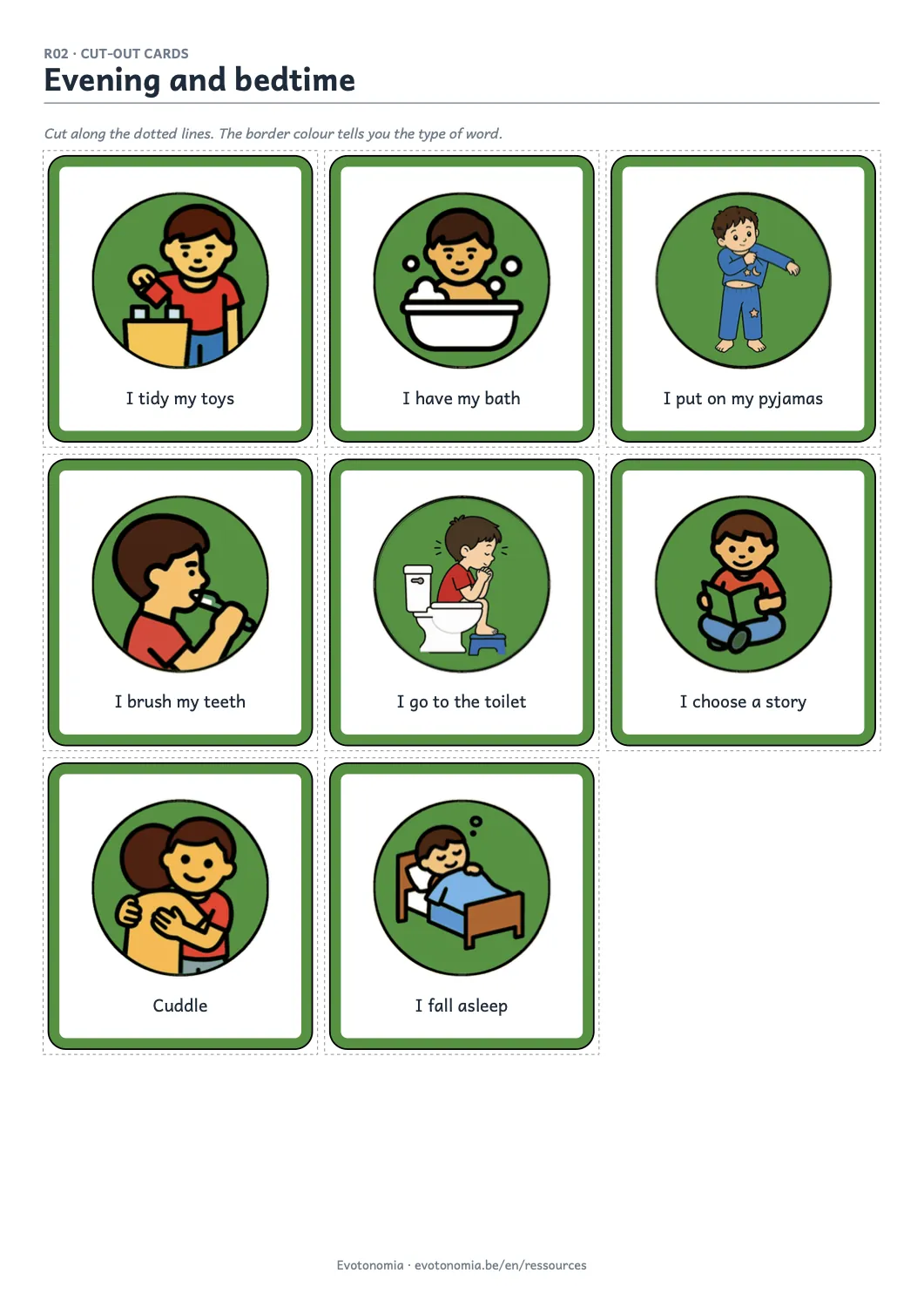
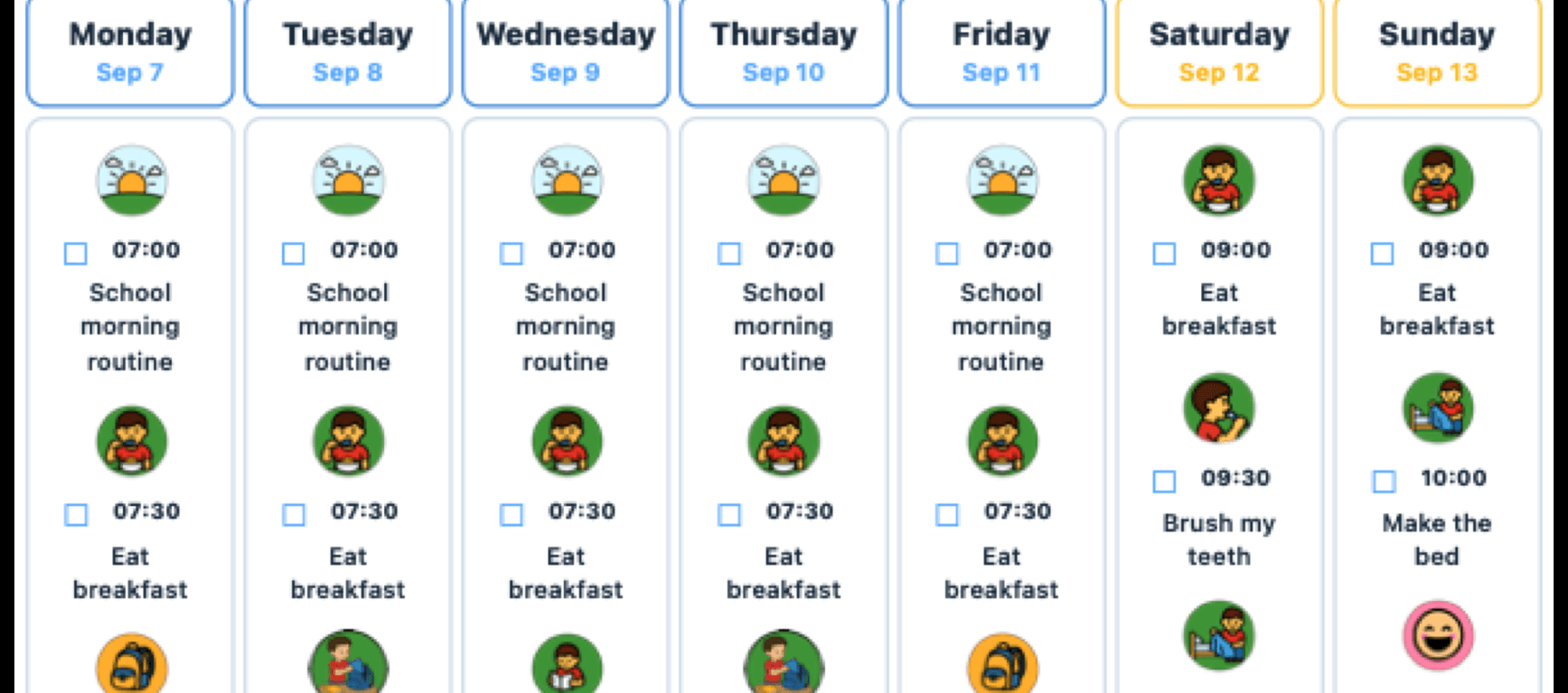
Evotonomia replaces the written instruction with a series of images. The child follows the sequence without reading, and the schedule is displayed on screen or printed. It helps with dyslexia, when decoding eats the energy meant for the task, and with dyspraxia, when it is the chain of movements that comes apart.
Evotonomia is an everyday organisation tool. It is not a medical device and it replaces no form of support.
For a child with learning disorders
Four situations where writing becomes an obstacle before the task has even started.
When decoding takes effort, it consumes the energy meant for the task. The child has understood what is expected, they simply arrive tired at the moment of doing it.
Getting dressed, laying the table or packing a bag are chains of actions. With a coordination disorder it is the sequence itself that comes apart, not the willingness to do well.
A planner to copy adds a handwriting difficulty on top of the organising. The support ends up incomplete, unreadable, and stops doing its job.
Following a written instruction while acting means running two things at once. An image removes one of them, which frees room for the other.
What the app brings to a child with learning disorders
The pictogram takes the place of the sentence, and the sequence stays visible from start to finish.
01
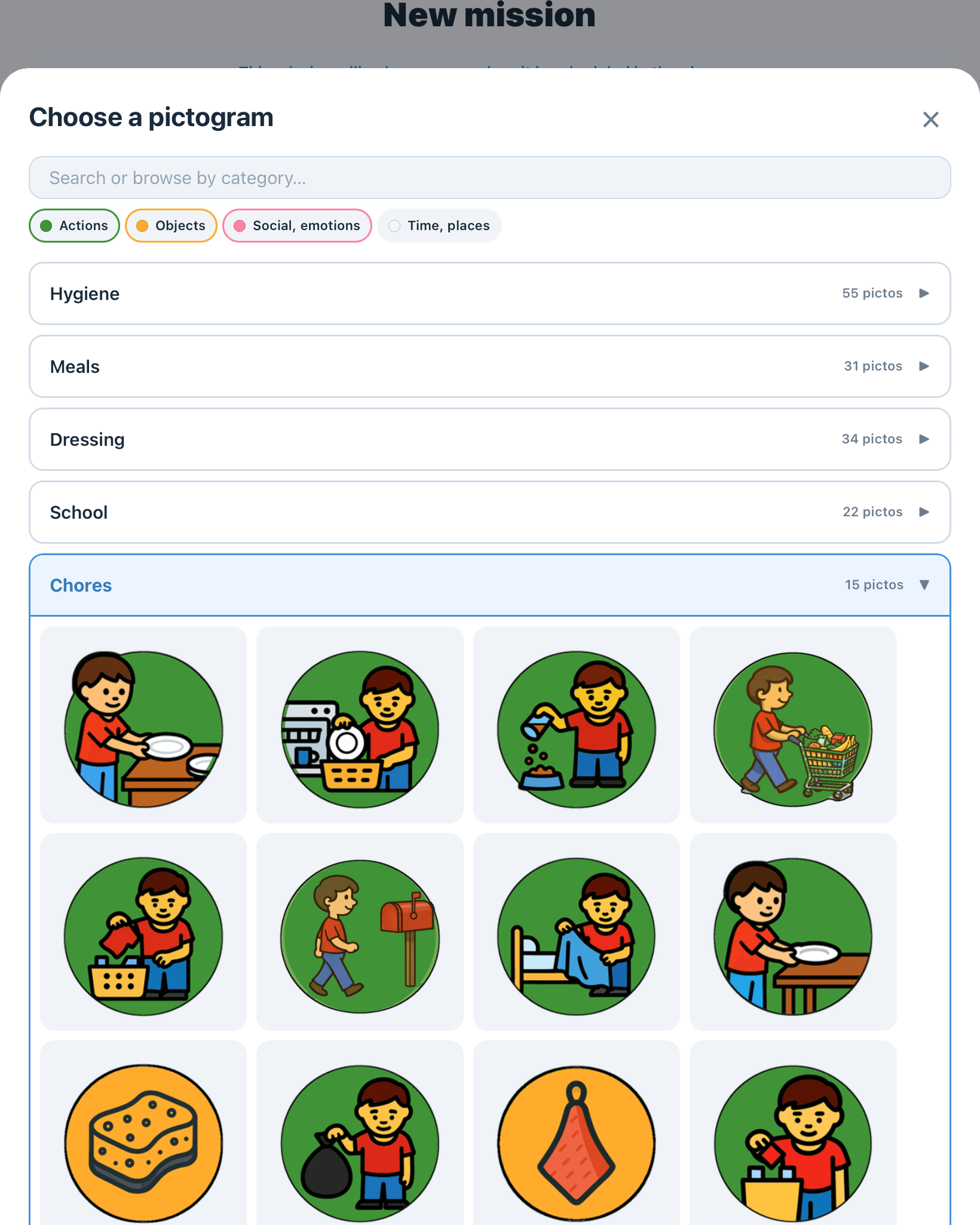
Each step carries a pictogram chosen from a library of over 300 images, sorted by category and marked by colour. The text stays visible for the adult, but the child does not need to read it to move on.
02
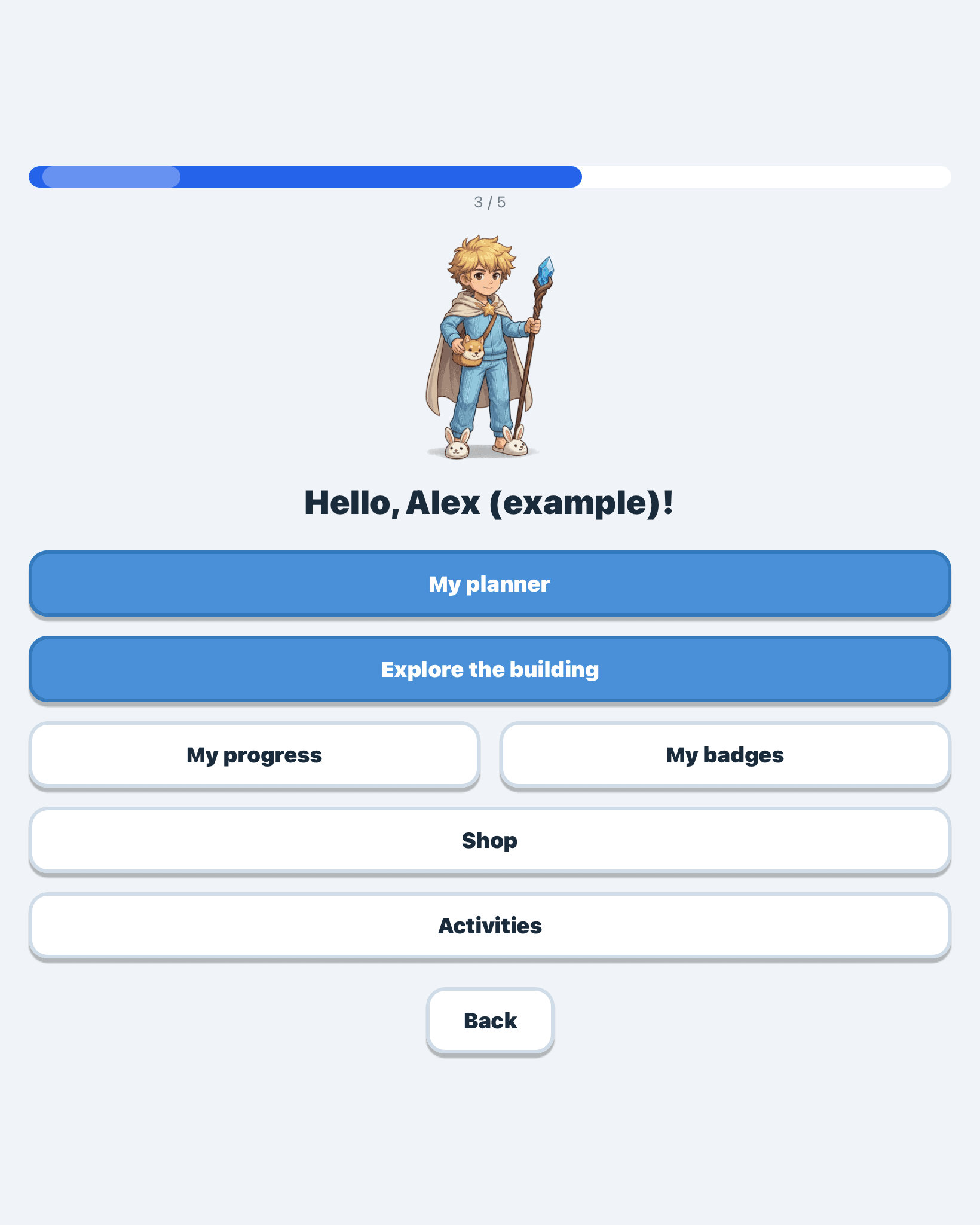
The progress gauge and achievements show ground covered rather than what is missing. For a child who collects negative feedback about writing, flipping the emphasis matters as much as the tool itself.
03
The week is built once in the app, then exported to PDF. The child writes nothing, they tick. The same document can travel to school or to a professional.
Something to take away right now
The evening ritual, the shower and switching screens off, as routine strips, progress charts and cut-out cards. Nothing to copy out, and a blank version to build your own.
The app
Evotonomia puts what you have just read into practice: missions broken into illustrated steps, a printable schedule and adjustable rewards.
The guides and pages that go into detail on each point.