
Evotonomia+ tutorials
Get to grips with Evotonomia+, one topic at a time
Fifteen illustrated guides, each a two or three minute read. Start with the first four steps, then pick what you need.
- 15 tutorials
- 2 to 3 minutes each
- Illustrated step by step
The screenshots show Camille, a fictional profile created for these guides (iPhone, version 1.1).
Day one
Get started in 4 steps
These four guides are enough for the app to be useful from today.
Step 1
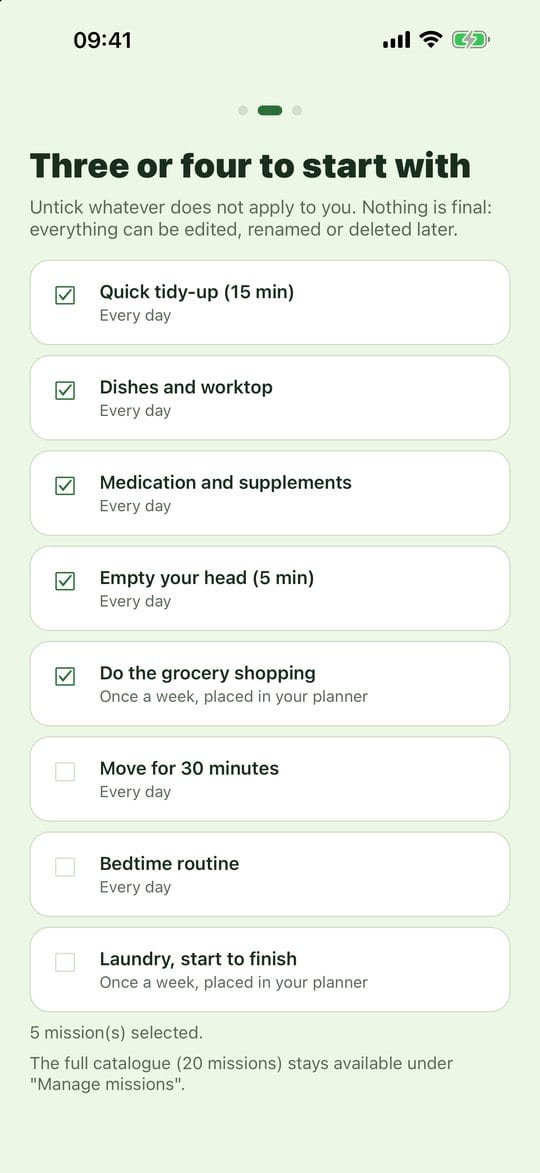
Create your profile and take your first steps
Your profile keeps your missions, planner and reminders just for you.
Read the tutorial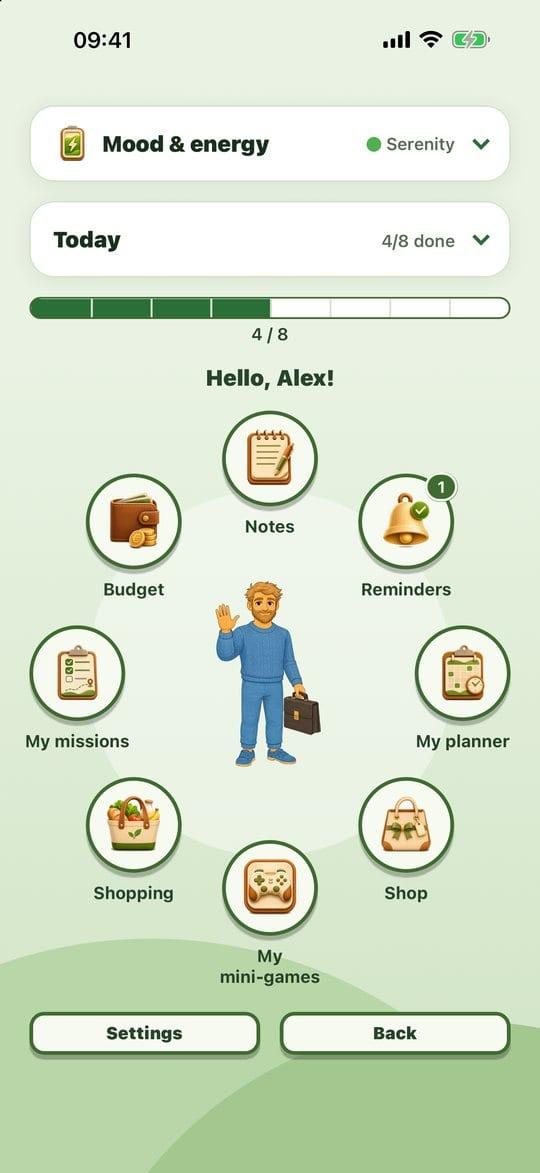
Step 2
Find your way around the Menu
The Menu is your home page: it shows at a glance where you are today. Each bubble opens a part of the app.
Read the tutorial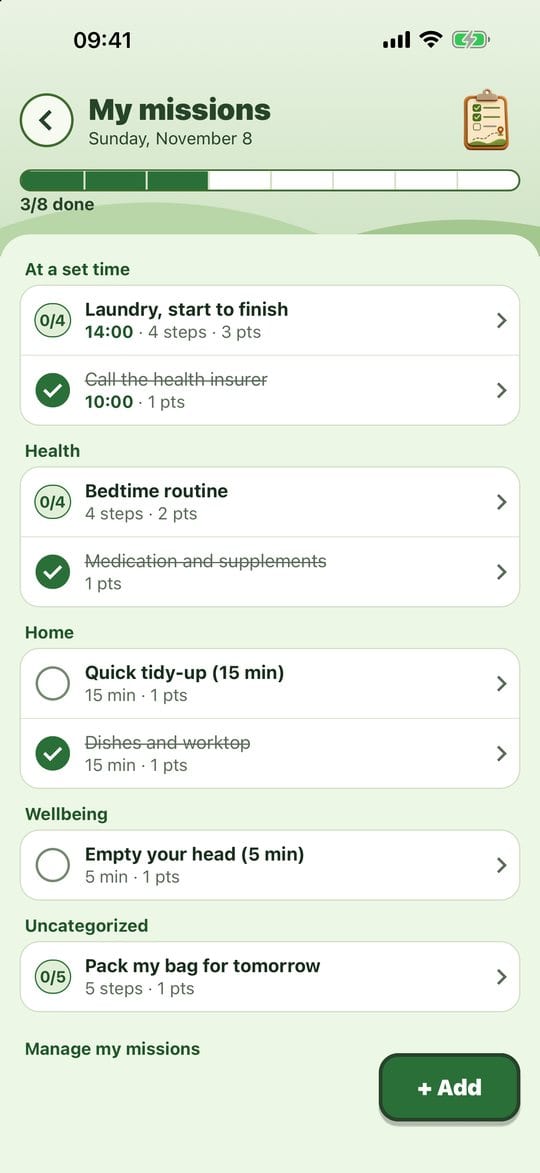
Step 3
Add a mission and tick it off
A mission is something to do: the dishes, calling someone, packing your bag.
Read the tutorial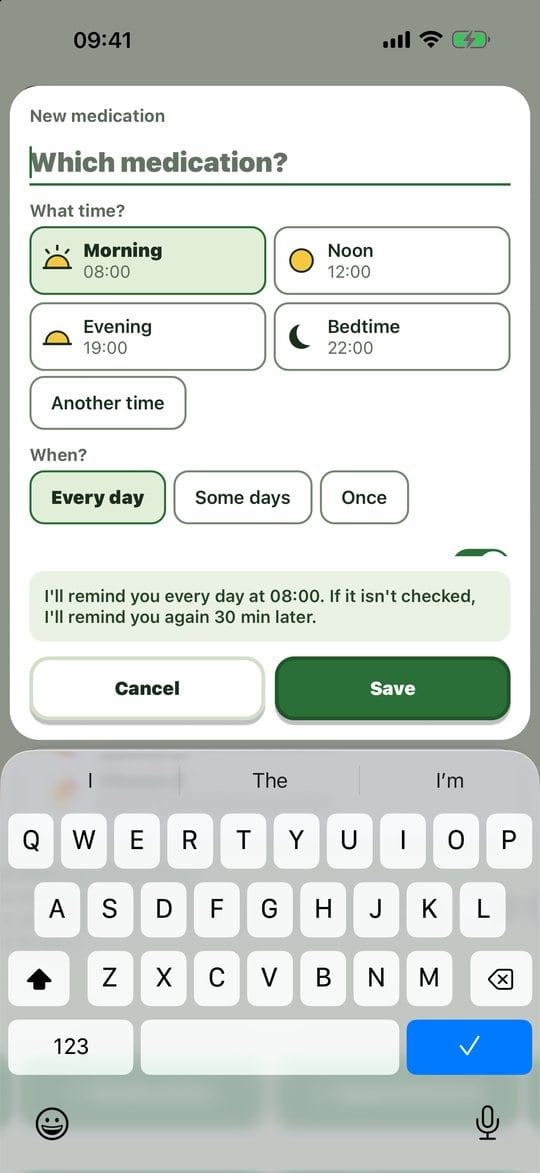
Step 4
Medication and appointment reminders
The app nudges you at dose time or before an appointment, and shows what you have already taken today.
Read the tutorial
Library
All tutorials
Grouped by space in the app.
Getting started
Tutorial 1
Create your profile and take your first steps
Your profile keeps your missions, planner and reminders just for you.
Read the tutorialTutorial 2
Find your way around the Menu
The Menu is your home page: it shows at a glance where you are today. Each bubble opens a part of the app.
Read the tutorial
Missions and planner
Tutorial 3
Add a mission and tick it off
A mission is something to do: the dishes, calling someone, packing your bag.
Read the tutorial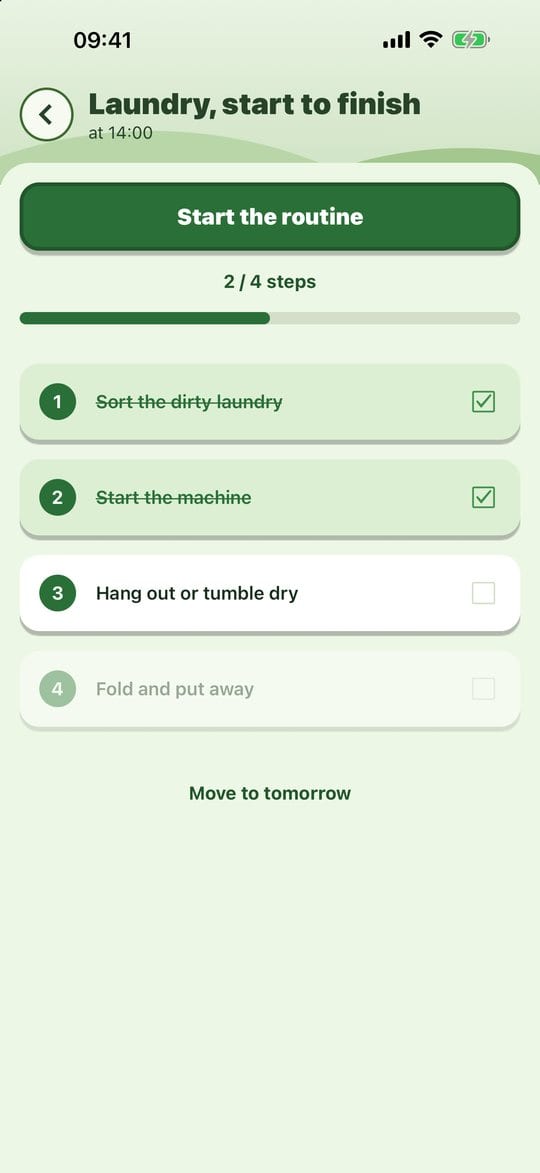
Tutorial 4
Break a task into steps and follow the guided routine
A big task becomes a series of small steps. The guided routine shows you one step at a time, full screen, so there is nothing to keep in your head.
Read the tutorial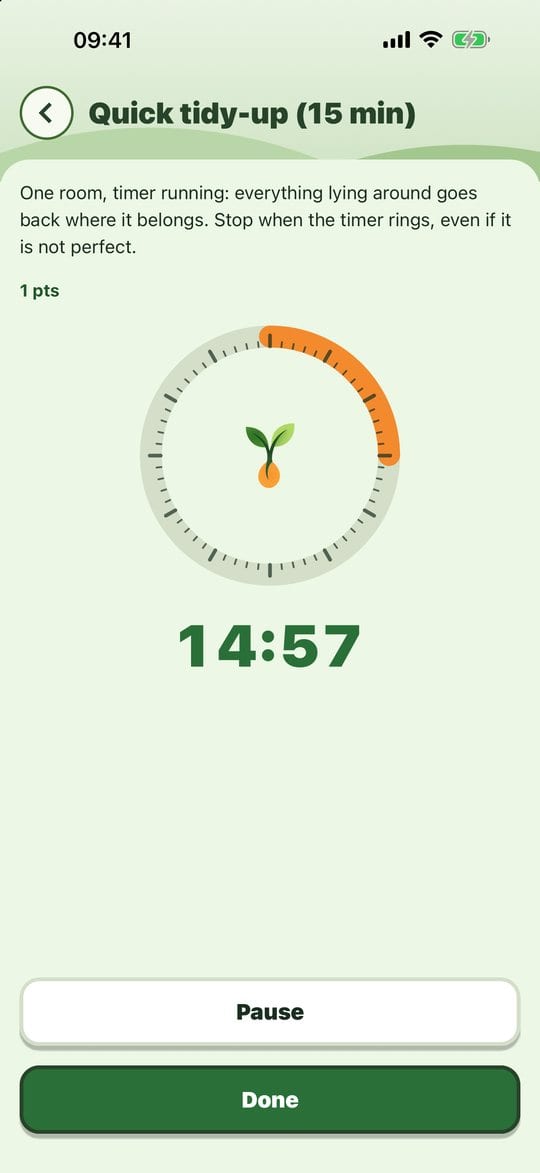
Tutorial 5
The timer and mission reminders
" It helps you get started, and above all helps you stop without trying to finish everything.
Read the tutorial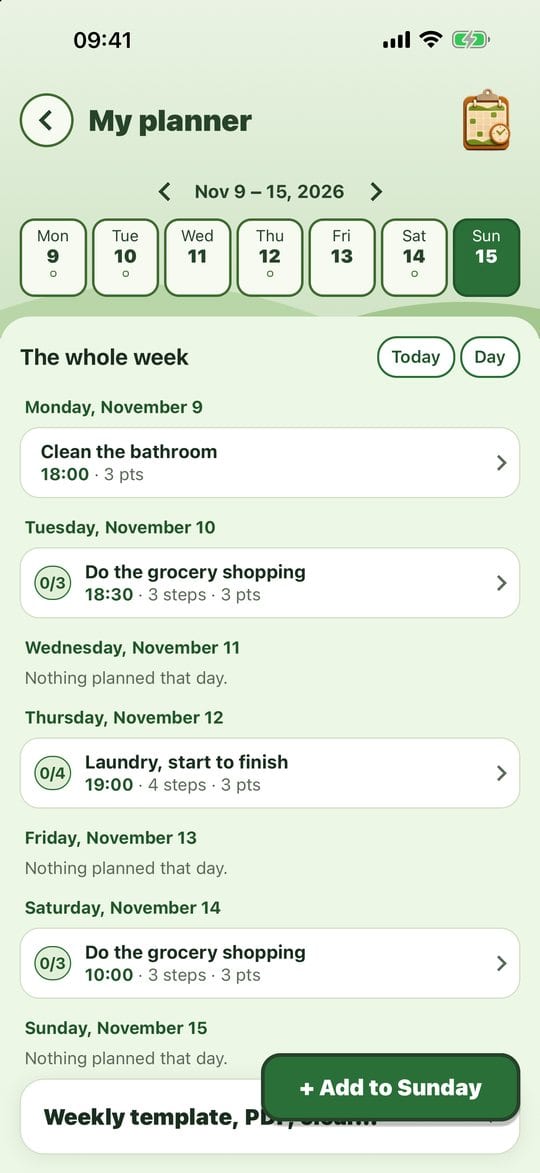
Tutorial 6
Plan your week and your template week
The planner puts your missions on the days of the week, with a time if you want one.
Read the tutorial
Getting organised
Tutorial 7
Medication and appointment reminders
The app nudges you at dose time or before an appointment, and shows what you have already taken today.
Read the tutorial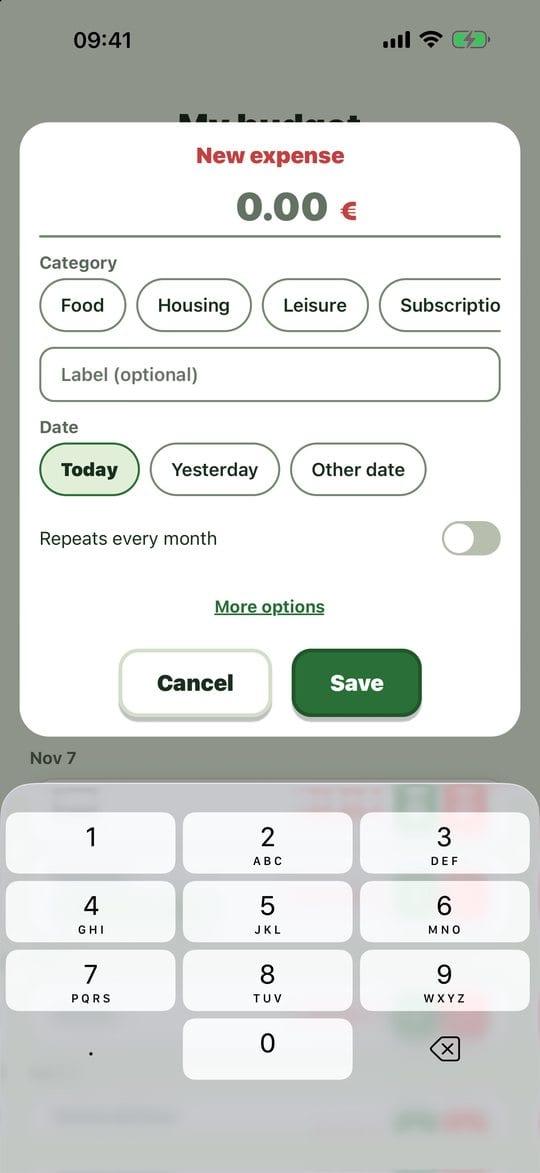
Tutorial 9
Your budget and what's left to spend
Knowing how much you have left for the month, and how much per day, without a spreadsheet. An expense takes three taps.
Read the tutorial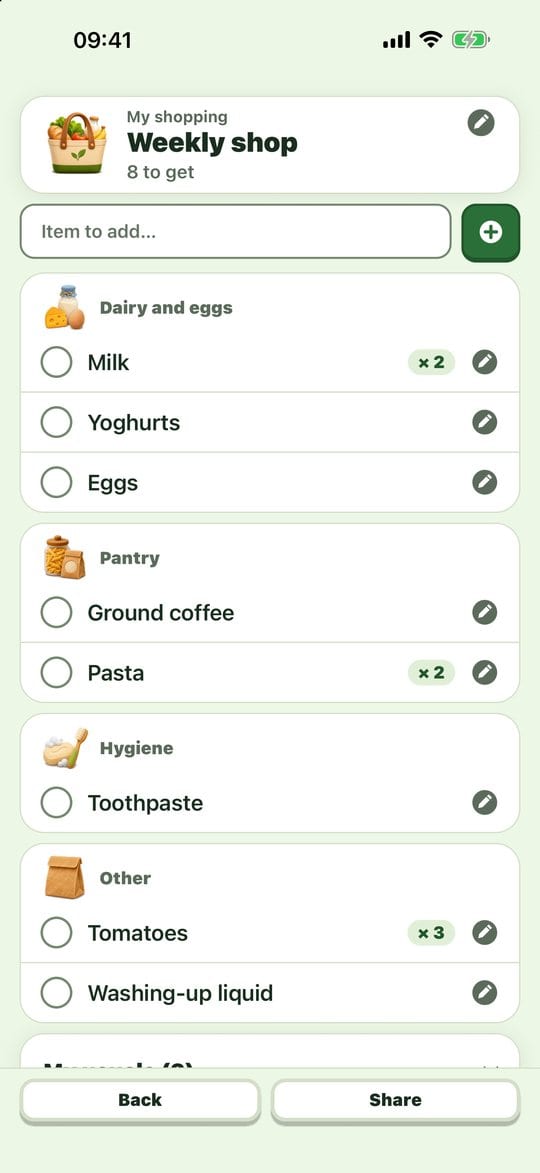
Tutorial 10
The shopping list
A list sorted by aisle that remembers what you usually buy: no need to write it from scratch every week.
Read the tutorial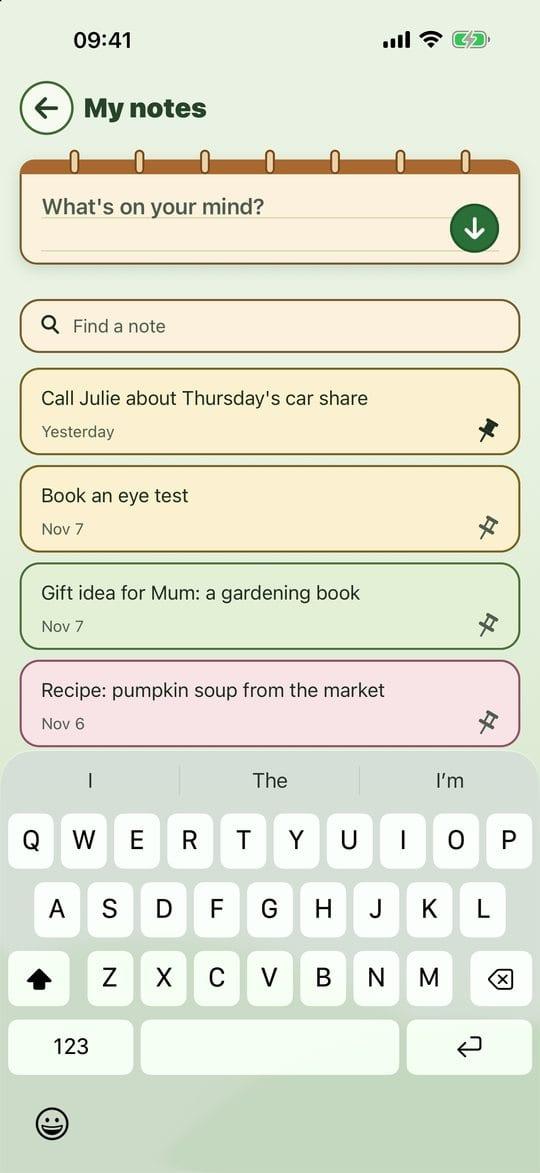
Tutorial 11
Brain-dump notes
An idea, something not to forget, a thought going round in circles: put it on the notepad and your head is free. No title, no folder, no "Save" button.
Read the tutorial
Wellbeing and motivation
Tutorial 8
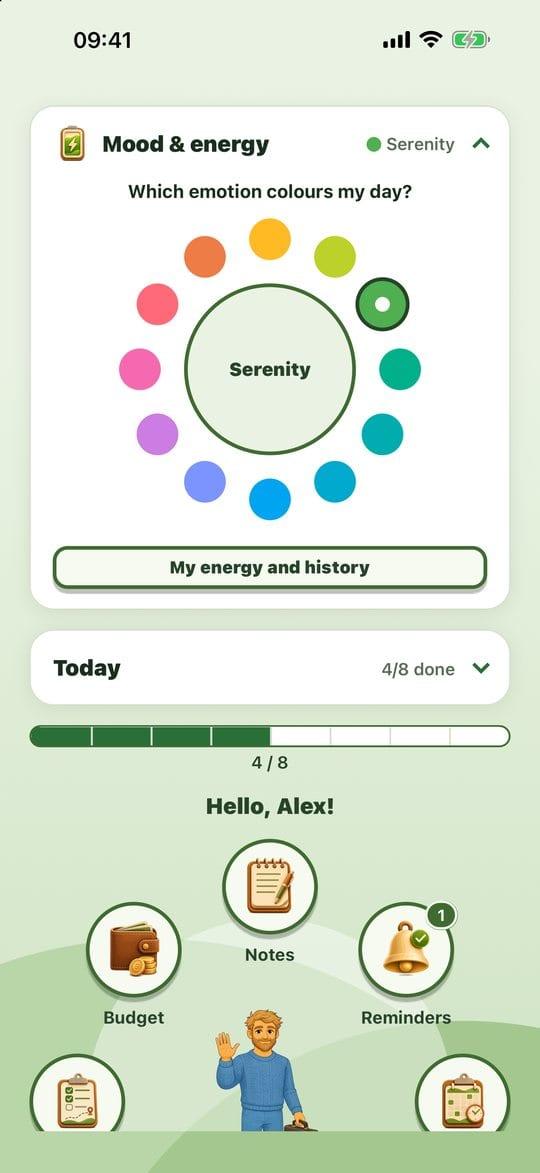
Mood and energy
Noting how you feel helps you spot what helps you and what wears you out. These are markers for you: the app never says "better" or "worse".
Read the tutorial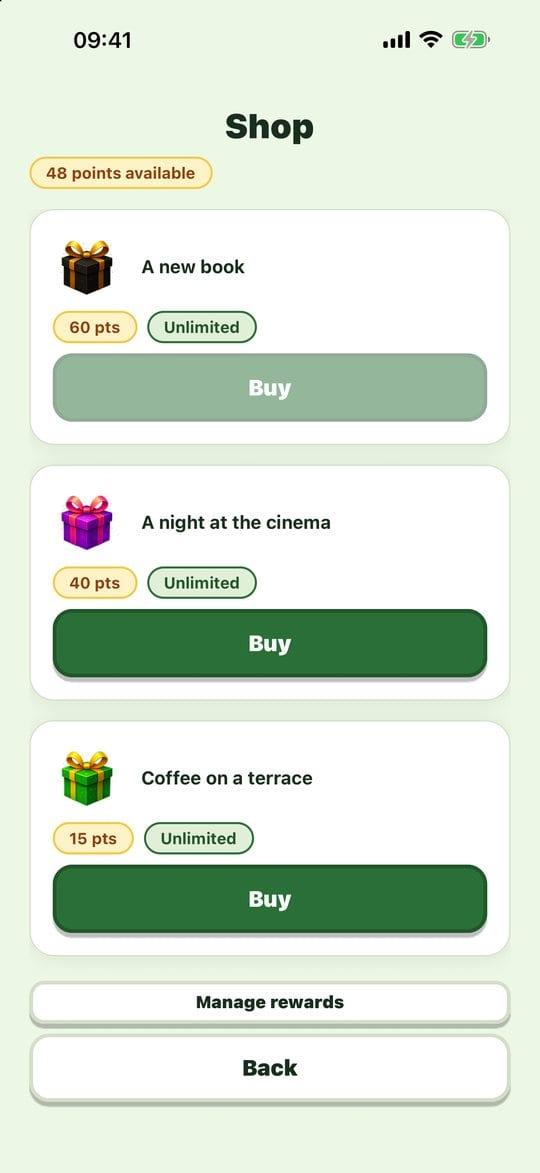
Tutorial 12
Points and the shop
Treating yourself: every mission done earns points, which you swap for a reward you picked. It's all symbolic: no real money, no in-app purchase.
Read the tutorial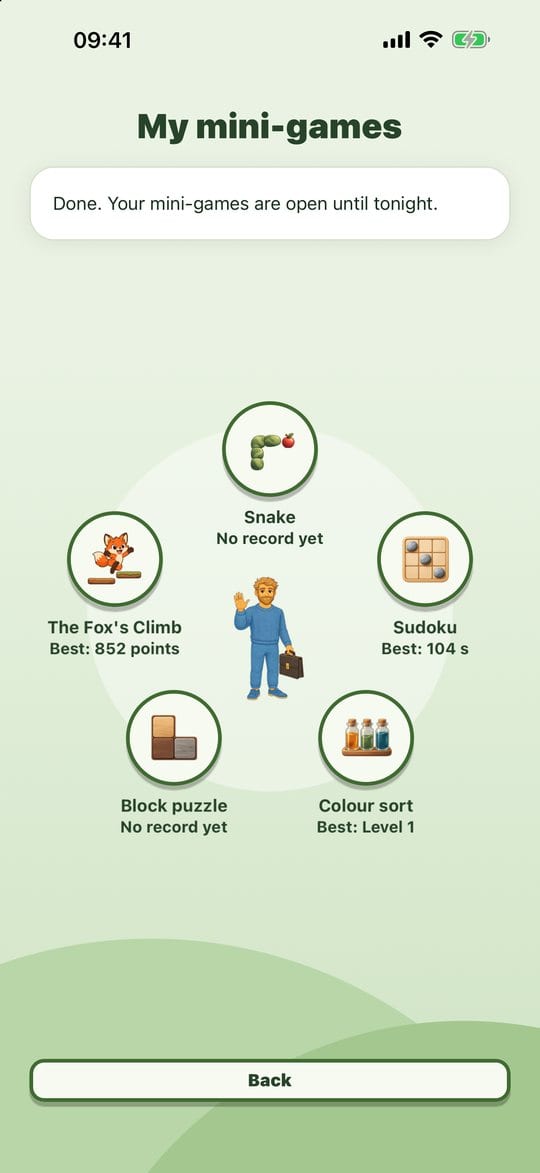
Tutorial 13
The mini-games
A real, well-earned break once your day is done. Five short games, no ads, no connection.
Read the tutorial
Settings and data
Tutorial 14
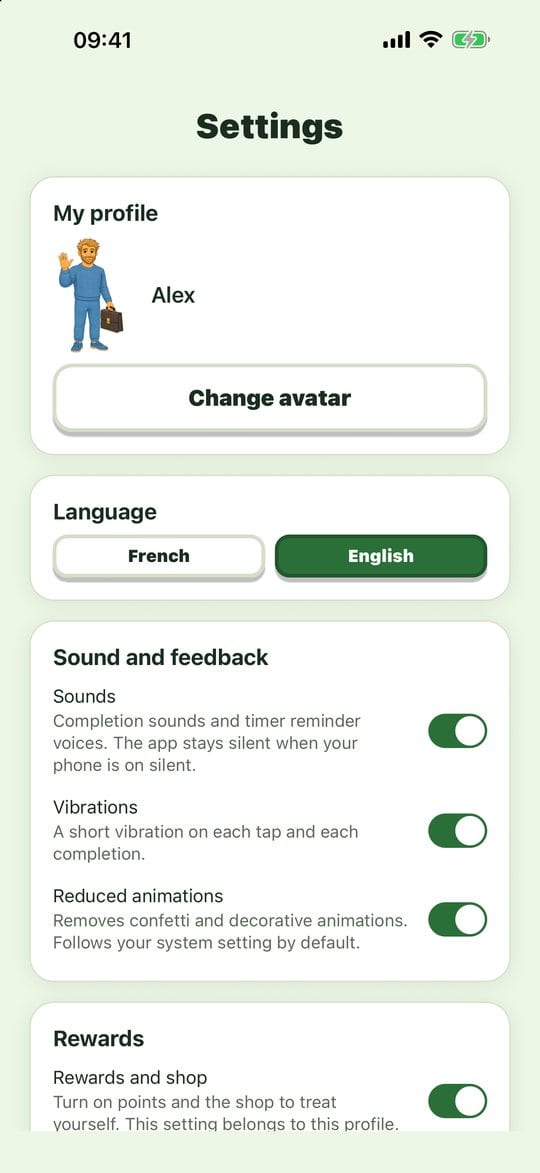
Settings and reading comfort
Making the app fit you: your avatar, your language, sounds, vibrations and animations. Each setting is explained in one sentence, right under its name.
Read the tutorial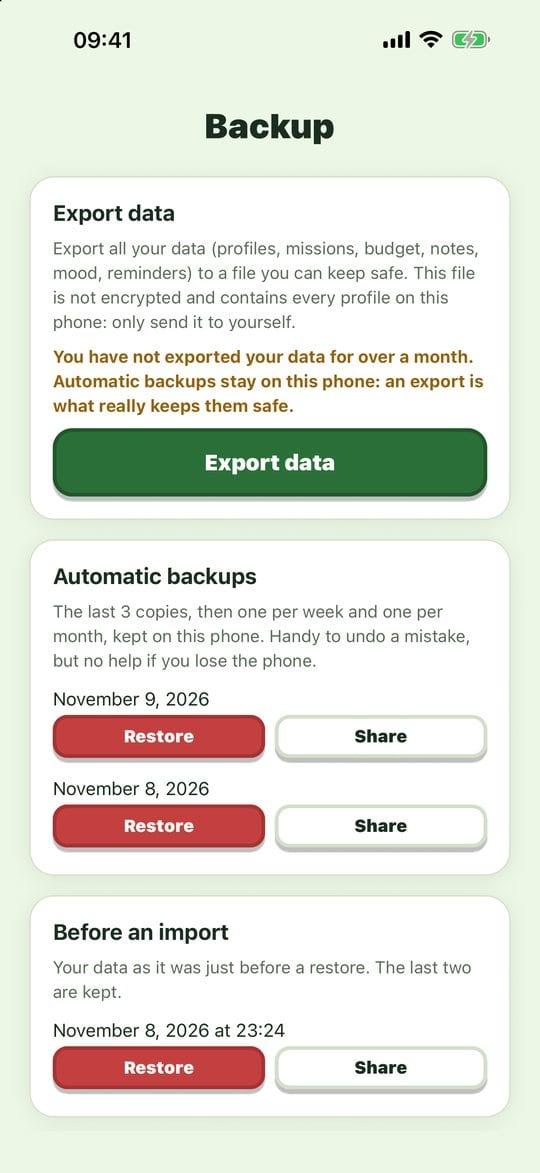
Tutorial 15
Back up and restore your data
Your data lives on your phone. A backup kept somewhere else protects you if you lose, break or change your phone.
Read the tutorial
Looking for help with Evotonomia, the app for children?See its video tutorials
The app
Don't have Evotonomia+ yet?
A one-time purchase, no subscription. The app works offline and with no account.
- One-time purchase, no subscription
- Works offline
- No account